How to Define Warranty Data Collection Requirements Before Mechanical Systems Go Into Commissioning
Without written warranty data requirements, mechanical systems enter commissioning without the serial numbers, dates, and documentation that owners need to file valid claims later.
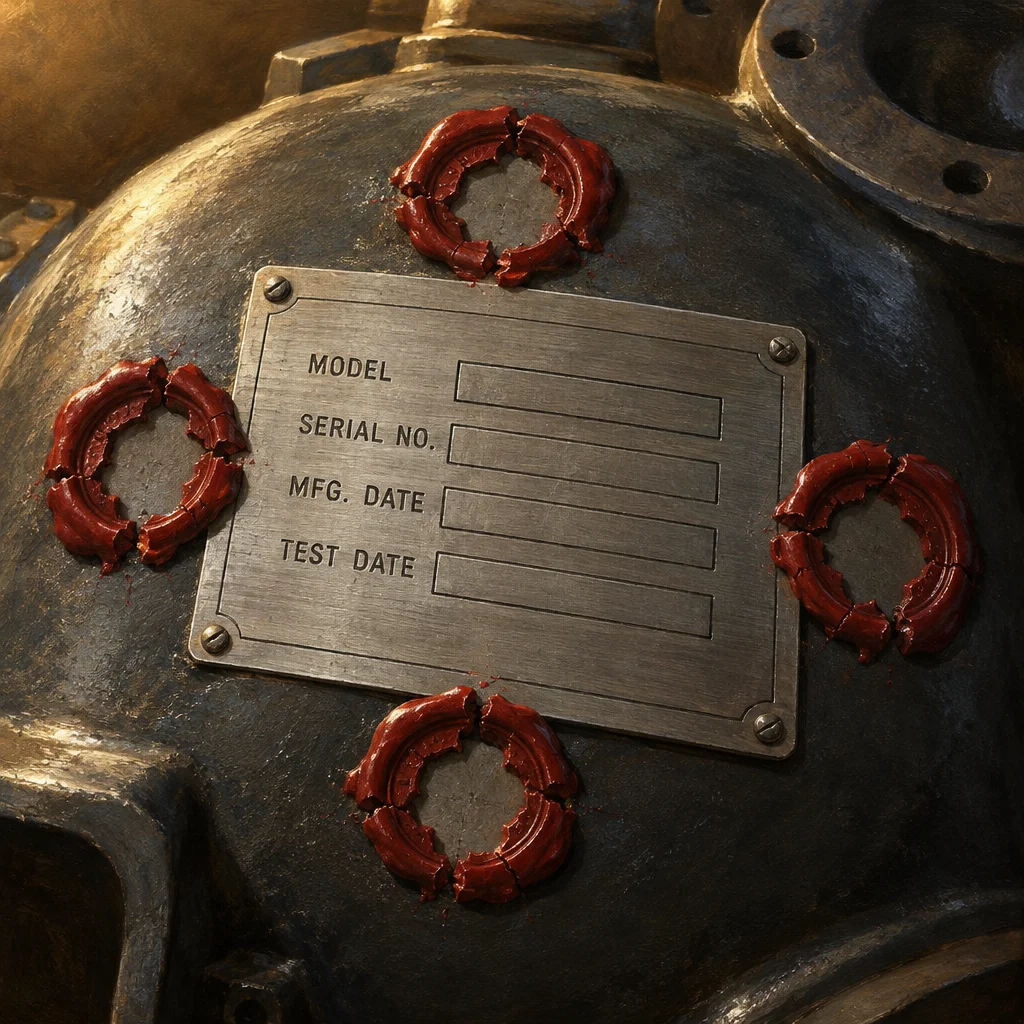
Warranty data is one of those project deliverables that everyone assumes someone else is capturing. Mechanical, electrical, and plumbing subcontractors install equipment continuously across a jobsite. Commissioning agents run functional tests. Owners prepare to take over a building. And somewhere in that sequence, the specific information needed to file a manufacturer warranty claim quietly falls through the gap between field work and closeout documentation.
The problem is not that crews ignore warranty data. The problem is that no one defined what warranty data means, which fields are mandatory, who captures them, and how they reach the system of record before commissioning begins. By the time an owner calls to report a failed chiller under what should be an active warranty, the serial number is missing from the submittal, the installation date is recorded differently across three documents, and the subcontractor who did the work has already mobilized elsewhere.
This article describes how to set written warranty data collection requirements before that sequence begins.
Start With What a Valid Warranty Claim Actually Needs
Before writing any requirements, identify the minimum fields a manufacturer requires to activate and file a claim. That list typically includes equipment serial number, model number, installation date, startup date, installing contractor name, and sometimes the commissioning technician who performed the startup. Some manufacturers also require proof of purchase or a registered equipment ID.
Collect sample warranty registration forms from the major equipment categories on your project, even if you do not plan to submit all of them manually. Those forms tell you exactly what a claim will require years from now. Build your internal data requirements around that floor, not around what is convenient to enter at the time of installation.
If your project uses a commissioning platform, a field collaboration tool, or an asset management system, check whether those platforms have a structured warranty data module or custom form capability. The goal is to capture the required fields in a structured, searchable format, not as a PDF attachment or a photo of a nameplate that no one indexes.
Define Who Captures What, and When
Warranty data collection fails most often because ownership is ambiguous. A mechanical subcontractor assumes the commissioning agent is logging serial numbers. The commissioning agent assumes the subcontractor already submitted them through the submittal process. The general contractor assumes both parties handled it.
Your written requirements should assign a specific role to each collection step. A reasonable baseline might look like this: the installing subcontractor captures the serial number and model number at the time of final connection, enters them into the designated field in the field platform, and attaches a photo of the nameplate. The commissioning agent confirms the startup date and functional test outcome in the same record. The general contractor's project engineer verifies that all required fields are populated before the equipment record is marked complete.
This three-step chain is simple enough to follow and specific enough to audit. Without it, you get three parties who each captured something different in a different place.
Integrate Warranty Records With Your Broader Asset Inventory
Warranty data that lives only in a closeout binder serves the first six months after turnover. After that, a facilities team is unlikely to find it when they need it. If your project closes out with any form of digital asset register, operations and maintenance manual, or BIM-linked equipment schedule, your warranty records should connect to that layer.
At a minimum, each equipment asset in the register should carry the same serial number, manufacturer, model, installation date, and warranty expiration date that your field capture process collected. If your commissioning platform exports structured data, map that export to the owner's facility management system before turnover, not after. An owner receiving a spreadsheet of warranty data that does not match the asset tags already in their building system will spend time reconciling records rather than using them.
For projects using BIM at a level of development that includes equipment objects, warranty data can attach to the corresponding model element. That linkage is genuinely useful only if the model is maintained post-occupancy, which depends on the owner's operations workflow. Confirm that assumption before promising it.
Write the Requirements into Subcontractor Scope
Requirements that appear only in a general contractor's internal checklist do not bind subcontractors. If warranty data collection is a project requirement, it belongs in the scope of work language for each affected trade.
A practical approach is to include a brief warranty data provision in the subcontract exhibit that references specific required fields, the platform or form where data must be entered, and the deadline relative to commissioning milestones. Tying that requirement to a payment application checkpoint, such as the final stored materials billing or the substantial completion application, creates a practical enforcement moment without turning the requirement into an adversarial process.
Subcontractors who have not captured warranty data this way before may need a short orientation. A one-page reference card showing which fields to enter, where to enter them, and how to attach a nameplate photo is usually enough. That card should be part of your subcontractor onboarding package for the platform, not a separate communication that arrives during commissioning week.
Build a Pre-Commissioning Verification Step
Commissioning is not the right time to discover that warranty data is incomplete. By that point, crews are focused on functional testing and schedule. Sending someone back to find a serial number on equipment that is now installed in a ceiling plenum is expensive and sometimes impossible.
Schedule a warranty data completeness review roughly two weeks before commissioning activities begin for each building system. Pull a report from your field platform showing every equipment asset in scope with a status flag on required fields. Any record missing a serial number, model number, or installation date becomes an open item with an assigned owner and a deadline before startup.
This step does not require a sophisticated dashboard. A filtered export of your asset list with a column indicating whether each required field is populated is sufficient. The goal is to surface gaps while the equipment is still accessible and the installing crew is still on site.
Document the Final Record Before Turnover
At turnover, the owner should receive a complete warranty register in a format they can actually use. That means a structured file, not a folder of scanned submittals, with one row per warranted asset and columns for every required field. Include warranty expiration dates calculated from the startup date and the manufacturer's stated coverage period.
Note which warranties require registration with the manufacturer to remain valid, and confirm those registrations occurred before the turnover package is finalized. An unregistered warranty is not always void, but the ambiguity creates risk that the owner should not inherit without knowing it.
Writing these requirements before commissioning begins is what makes any of this achievable. The collection process, the platform configuration, the subcontract language, and the verification step all take time to put in place. If you start when commissioning starts, you are already too late.