How to Define Subcontractor Daily Report Fields Before Field Logs and Schedule Updates Tell Different Stories
Without written daily report field requirements, subcontractor logs capture time, labor, and progress in formats that cannot feed schedule updates or support delay claims reliably.
The Problem Starts Before Anyone Opens a Field App
When a general contractor asks subcontractors to submit daily reports, the request feels routine. Most project platforms include a daily log template, and most subcontractors have been filling out some version of one for years. The assumption is that the data will be there when it is needed.
The problem surfaces later, usually during a schedule update, a productivity review, or the early stages of a delay claim. Someone tries to pull labor hours by activity from the past six weeks of subcontractor logs and finds that three different trades recorded the same field concept in three different ways. One electrical subcontractor listed workers under crew type. Another listed them under cost code. A third wrote a free-text note in the remarks field. None of those formats feed the schedule or the job cost system the same way.
The gap is not a technology failure. It is a requirements failure. No one wrote down what the daily report had to contain, in what structure, before the first log was submitted.
What Written Field Requirements Actually Need to Cover
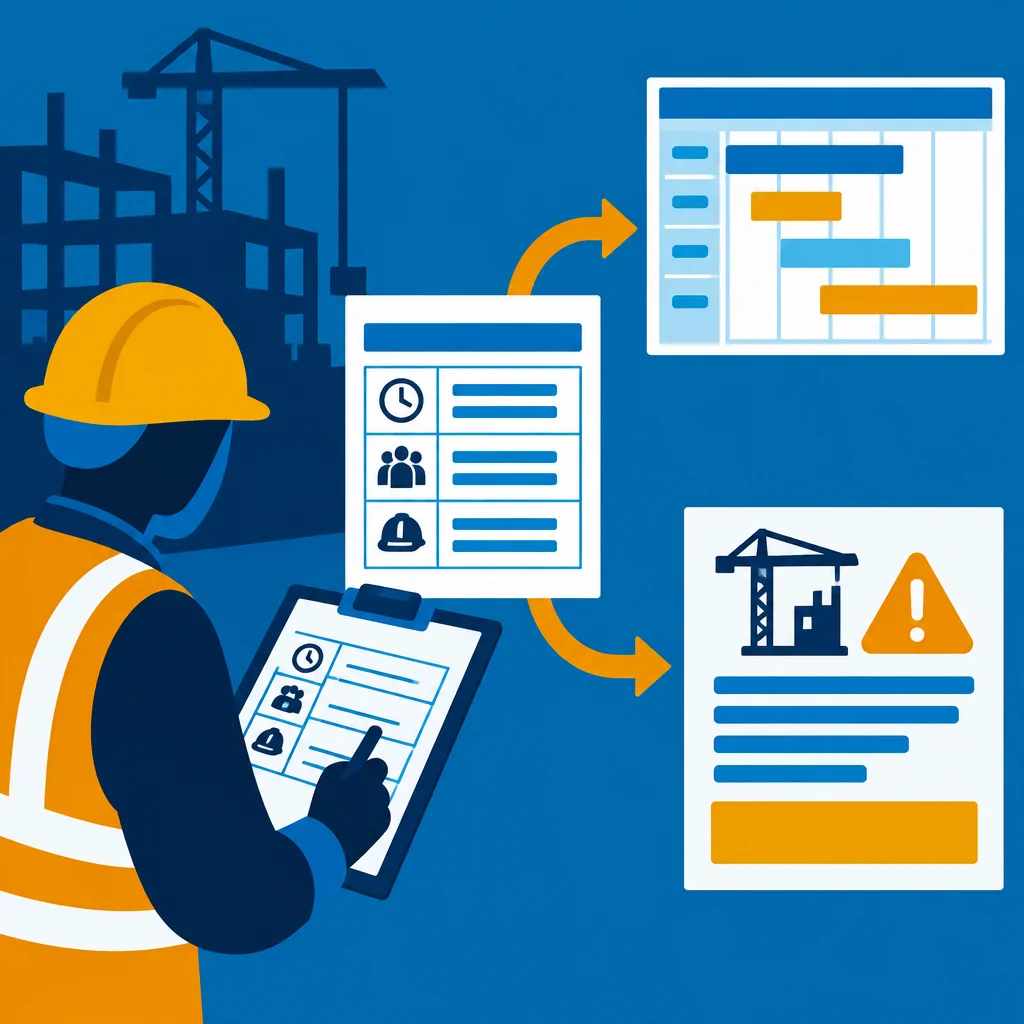
A useful daily report specification goes beyond telling subcontractors to submit a log every day. It defines the specific fields that must be populated, the format each field must follow, and how those fields map to records in the schedule and cost systems.
Several field categories deserve explicit attention in that specification.
Labor headings. A log that records twelve workers is not useful unless it also records which activity those workers were performing, which cost code the hours belong to, and whether those hours were straight time or overtime. Without those distinctions, labor data cannot flow into a productivity analysis or a cost-to-complete forecast. Specifying that labor entries must include activity ID, cost code, worker count, and hour type takes one paragraph to write and prevents weeks of cleanup later.
Work-in-place descriptions. Free-text progress notes are nearly impossible to aggregate across logs. If a schedule update requires knowing how many linear feet of conduit were installed on a given day, that number needs to appear in a defined field, not inside a sentence that also mentions weather and crew morale. Consider specifying that quantified progress entries use a structured format: activity ID, unit of measure, quantity completed, and cumulative quantity to date.
Equipment on site. Many subcontractors record equipment presence informally if they record it at all. If equipment utilization data or idle-time records will ever matter for a claim or for cost analysis, the daily report specification should require equipment entries that include asset identifier, hours operated, and activity assigned. This aligns daily log data with telematics records rather than creating two separate and often contradictory accounts of the same machine's day.
Delays and impacts. This is the category where vague language causes the most damage. A daily log that says "weather delay, two hours" is almost useless as claim support. A specification that requires the subcontractor to record delay type, impacted activity ID, number of workers idled, and hours lost produces a record that can actually be tied to schedule float and cost impact when it matters.
Visitor and inspection entries. Some subcontractors record owner representatives and inspectors in daily logs; others do not. If those visits are relevant to notice requirements or inspection records, the specification should say so explicitly.
Connecting the Specification to Downstream Systems
Writing the field requirements is only half the work. The other half is confirming that those fields can actually reach the systems that need them.
A practical exercise is to trace a single hypothetical daily log entry from submission to end destination. If a subcontractor enters six labor hours against activity ID 1420 in a field app, what happens next? Does that entry flow automatically into the schedule update workflow? Does it post to the job cost ledger under the correct cost code? Does it appear in a productivity dashboard, or does someone export it manually and re-enter it somewhere else?
That trace reveals where field definitions break down. If the field app accepts activity ID as a free-text string but the schedule system expects a numeric code from a controlled list, the connection is broken regardless of what the specification says. The fix might be a dropdown list in the field app, a validation rule, or a mapping table in the integration layer. The point is that the specification and the system configuration have to agree.
It is worth involving the project controls team, the field technology administrator, and at least one subcontractor superintendent in that tracing exercise before the project starts. Each group sees a different part of the path and will identify gaps the others miss.
Communicating Requirements to Subcontractors
A specification that lives only in the general contractor's internal documentation does not change how subcontractors fill out logs. The requirements need to be transmitted in a form that is easy to reference and easy to follow.
A one-page field-by-field reference card, included in the subcontractor onboarding packet and embedded in the platform where daily logs are submitted, is more useful than a paragraph buried in the special conditions. The card should show each required field, an acceptable entry format, and a brief example. For fields that use a controlled list such as cost codes or activity IDs, the list itself should be attached or linked.
Some general contractors include daily report compliance as a standing agenda item in the first few weekly subcontractor coordination meetings. Reviewing a sample log together and walking through what a complete entry looks like takes ten minutes and prevents months of inconsistent data.
What Good Data Makes Possible
It is worth naming the operational outcomes that well-defined daily report fields enable, because the specification effort is real and teams reasonably ask whether it is worth the time.
Schedule updates that incorporate actual labor and quantity data from daily logs are more accurate than updates based on superintendents' estimates alone. Productivity tracking by activity becomes possible when the data has the right structure. Delay claims are substantiated more quickly when logs already contain the fields that claims analysis requires. And pay application reviews move faster when labor and progress records from daily logs can be compared directly against billing line items without manual translation.
None of that is automatic. It follows from requirements that were written before the first log was submitted, communicated clearly to subcontractors, and enforced consistently through the project. The technology handles the flow. The specification determines whether what flows is actually useful.
A Starting Point for Writing the Specification
If a written daily report specification does not exist for an upcoming project, a reasonable first step is to audit the last three months of daily logs from a completed or active project and identify every field that was used inconsistently or left blank. Those gaps are the specification. Write a requirement for each one, map it to the downstream system that needs the data, and confirm that the field app can enforce the format before the project kicks off. That process is repeatable across projects and builds toward a standard that improves with each cycle.